
See Details and Results at the Same Time
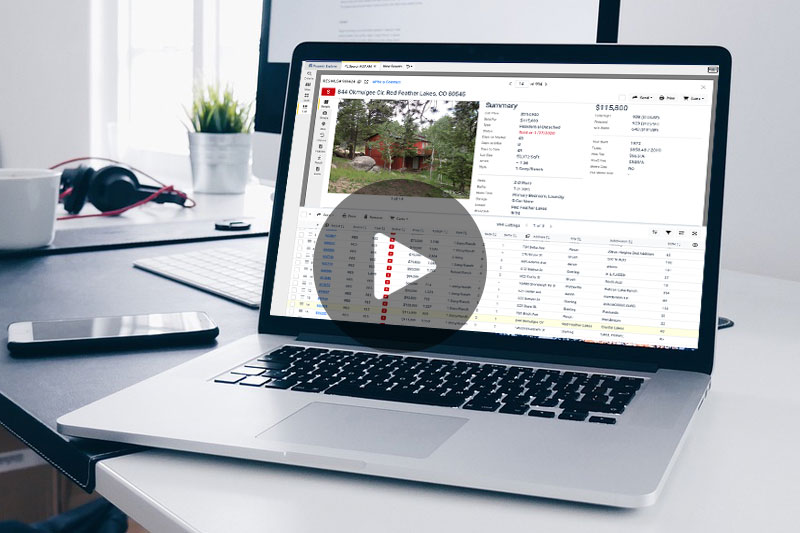
The new split screen (now available on the List View) allows you to analyze a full listing’s details while keeping your search results right in front of you. No more clicking back and forth!
Key Features
- Adjustable Splitter: You’re in control. Click and drag the splitter to give more screen space to either the listing detail or your results list.
- Remove Listings: You now have the ability to remove individual listings from your result set.
- Clearer Navigation: We’ve also added text labels to actions and dropdowns for easier navigation.
Coming Soon: Map View Enhancements
This is just the beginning! We’re already working on bringing the split screen option to the Map View, which will be accompanied by enhanced map controls and a new live search feature.
Stay tuned!
 IRES MLS: Come Home to Colorado